

Just as I predicted a few weeks ago, AI Mode is coming to Google Chrome!
When the court ruled that the Chrome browser to remain Google’s, we all saw that coming.
Despite most of our assumptions, Google is not waiting to monetize AI Mode to integrate it into its browser.
This week’s official announcement stated the following:
The URL bar (omnibar) will have an option to ask questions (instead of the default “searching” capability)
Additionally, users will be able to ask tab-specific questions, which will be suggested in the URL bar.
Both of these are very important changes marketers and business owners should be aware of. Let’s discuss both of these.
>>>> JOIN US to discuss these changes LIVE over at LinkedIn
AI Mode in the URL bar
We don’t have any official stats as to how many people are using Chrome’s URL bar to search, but it’s likely many people. I, for one, never go to Google to search. I always initiate searches from browser URL bars. Fortunately, any browser I use (Safari, Chrome, Firefox) defaults to Google search when typing queries in the URL bars.
Last year, an estimated 3.45 billion internet users globally used Chrome as their browser, and its worldwide browser market share was 63.87%.
Assuming most of those users search Google from the URL bar, it’s a lot of search sessions we are potentially losing.
It doesn’t sound like AI Mode will be a default behaviour, though. The URL bar will keep initiating searches unless you select the “AI Mode” option.
That being said, this change will steal some search sessions in favor of communicating with the AI Mode, so we should see some more traffic losses from this change.
Let’s all keep an eye on this to go live (later this week in the United States and a few weeks later globally) and see what we are losing!
Tab-specific follow-up questions
This is already live.
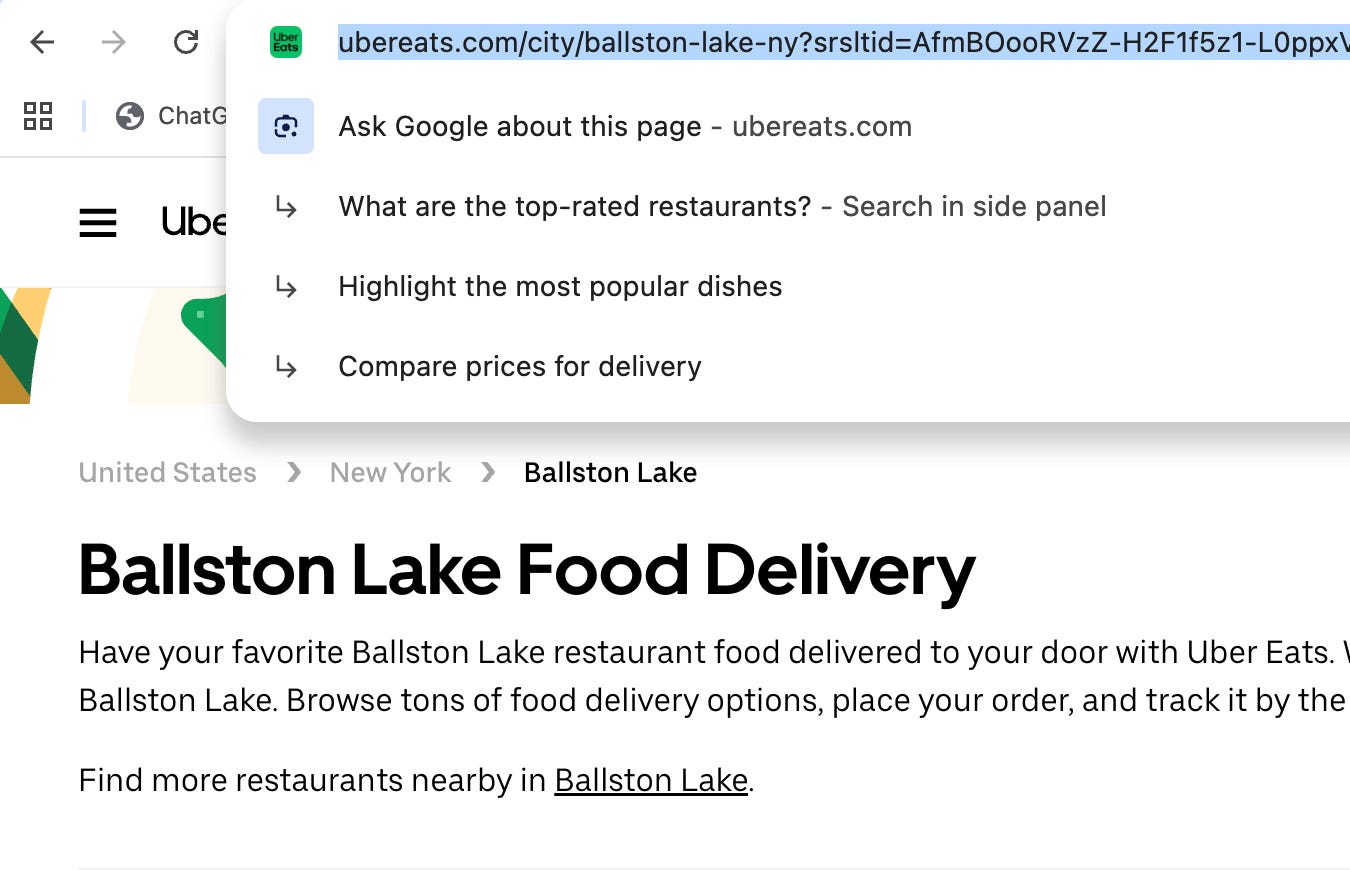
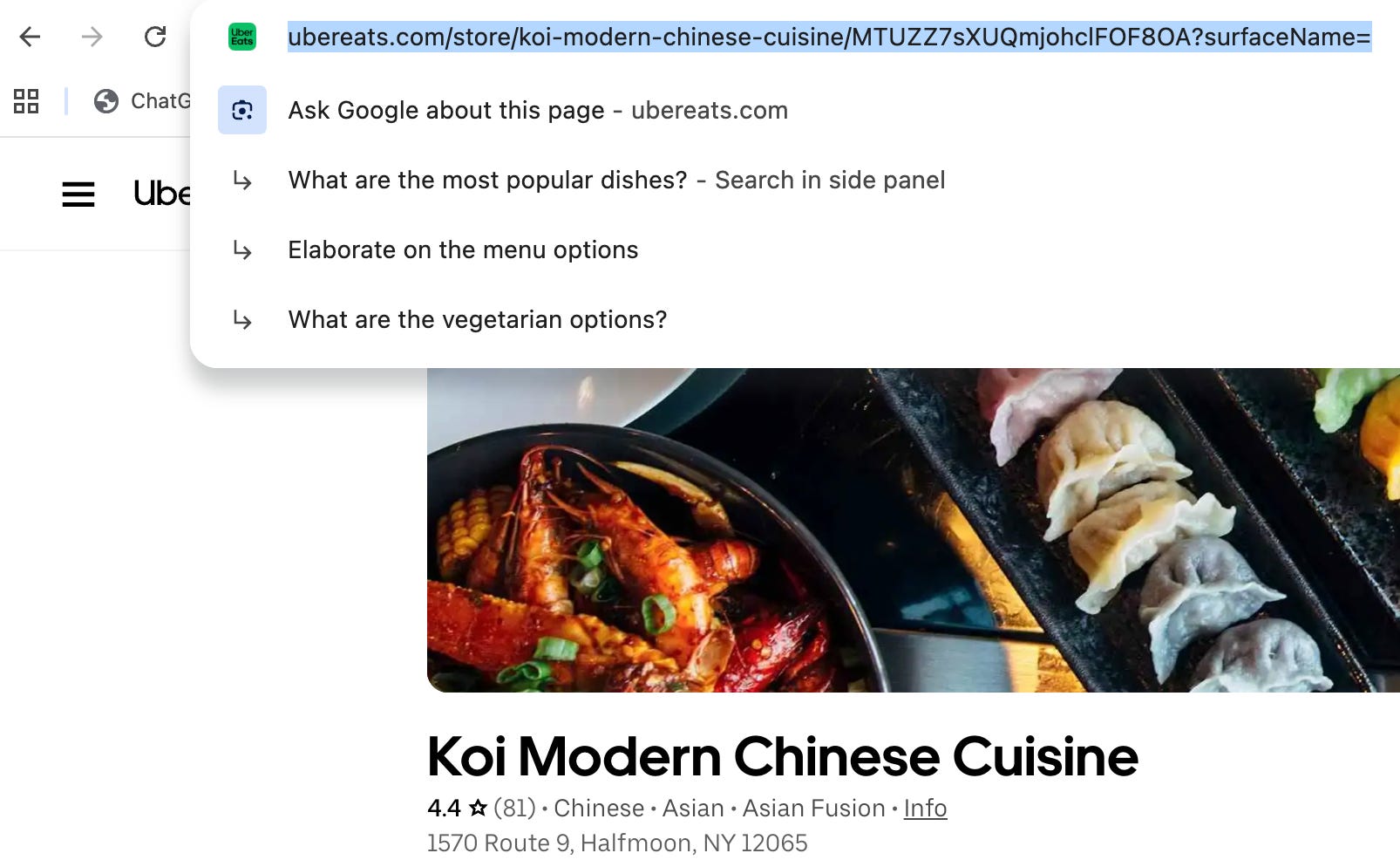
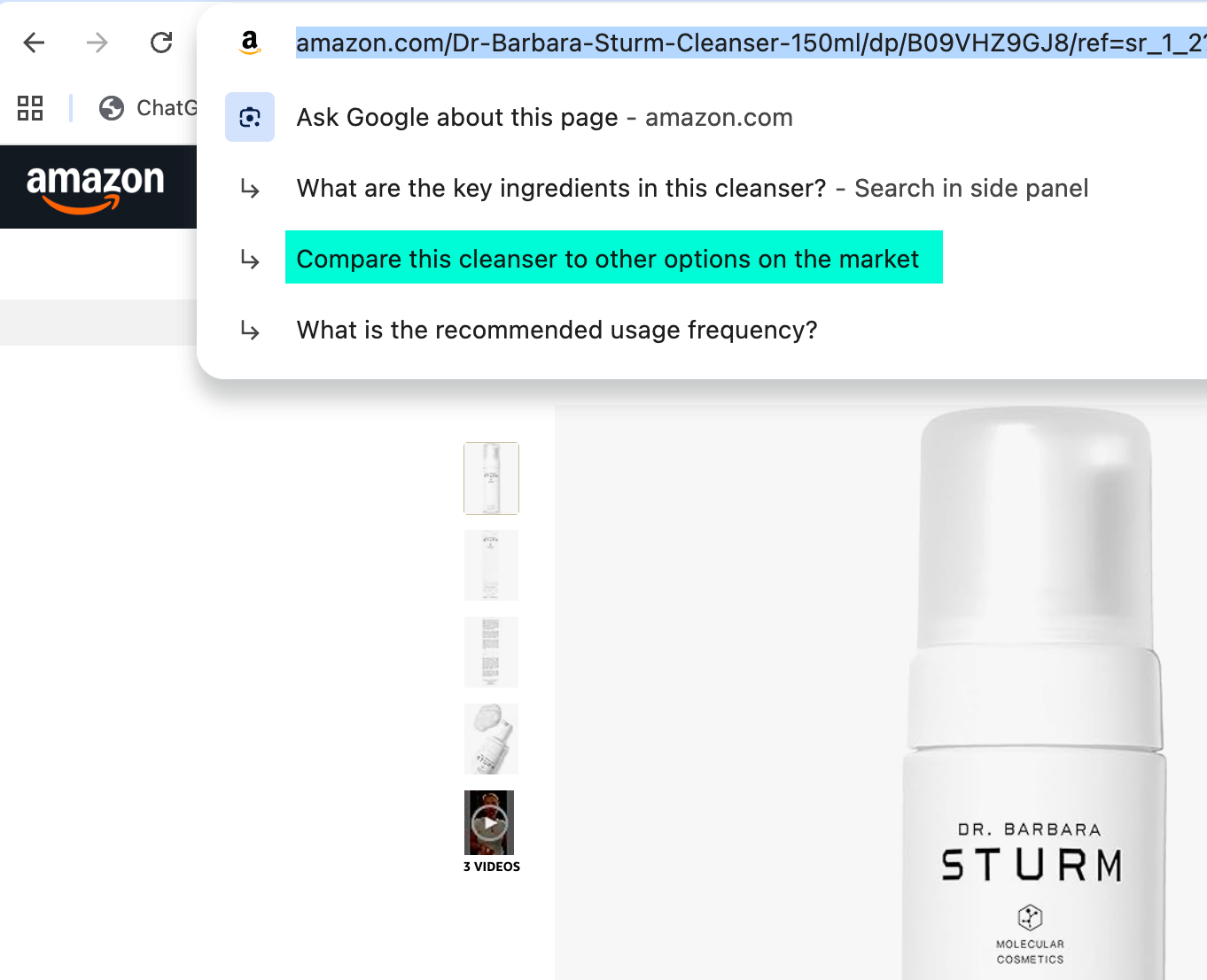
Chrome’s URL bar suggests relevant follow-up questions based on the current tab you are on.
For example, if I am reviewing local Ubereats options, Chrome’s URL bar will suggest comparing delivery prices:
And if I am reviewing a specific restaurant, the URL bar will suggest exploring the menu options:
It all makes sense until the URL bar starts suggesting alternative products to consider or comparing your product reviews with your competitors:
Knowing these likely suggestions for your website and key pages is very important because they will impact buying journeys! Browse your site using Chrome, and look at the suggested questions for every page you land, noting those you need to address on your site.